Modifying Add-On Subscriptions
If you would like to Reschedule, Edit, or Cancel a current add-on subscription, here's how! Remember that you'll need to make any changes before our Saturday @ 11pm order deadline to impact the coming week's box.
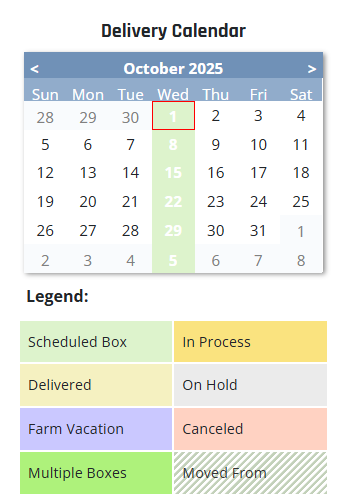
Select the upcoming box date from the Delivery Calendar on your account dashboard:
Scroll to the end of your customization screen to view the add-on subscriptions lined up for your box:
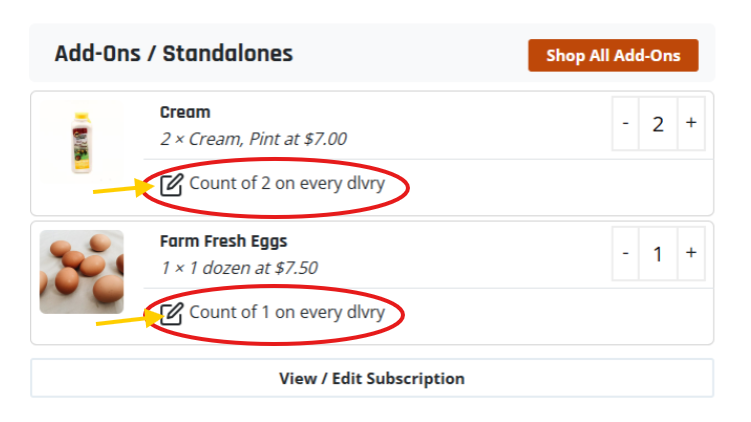
Hover over the pencil icon to access the options for modifying your add-on subscription.
You can choose to Edit the frequency and count per delivery. Note: this will update all of your upcoming deliveries.
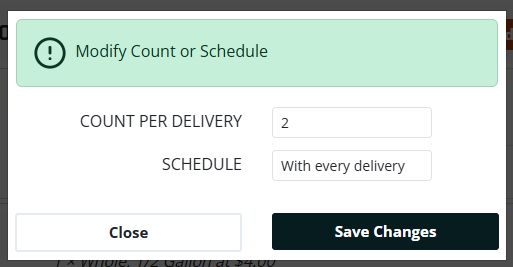
Reschedule your add-on to a future date. Note: this will set the new starting point for your weekly, bi-weekly or every four weeks schedule.
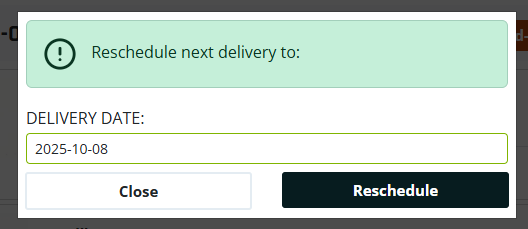
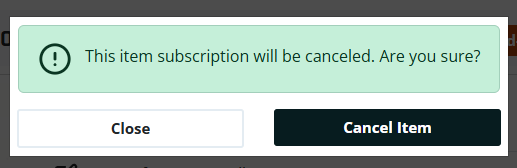
Or Cancel your add-on subscription entirely:
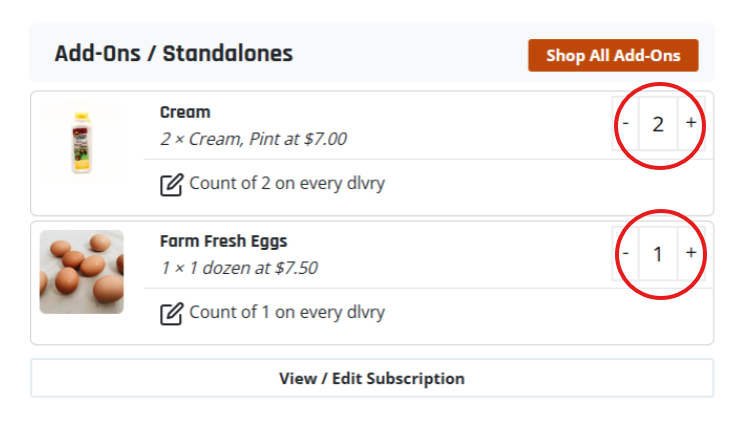
New! You also have the option to override the quantity of an add-on for a single upcoming box without affecting future boxes.
First select the box date from your calendar, then use the plus or minus fields by the add-on quantity you would like to modify, and be sure to hit the Save Changes button: